
Set your logo and brand colour so your case studies and landing page look like they’re yours.
What’s available
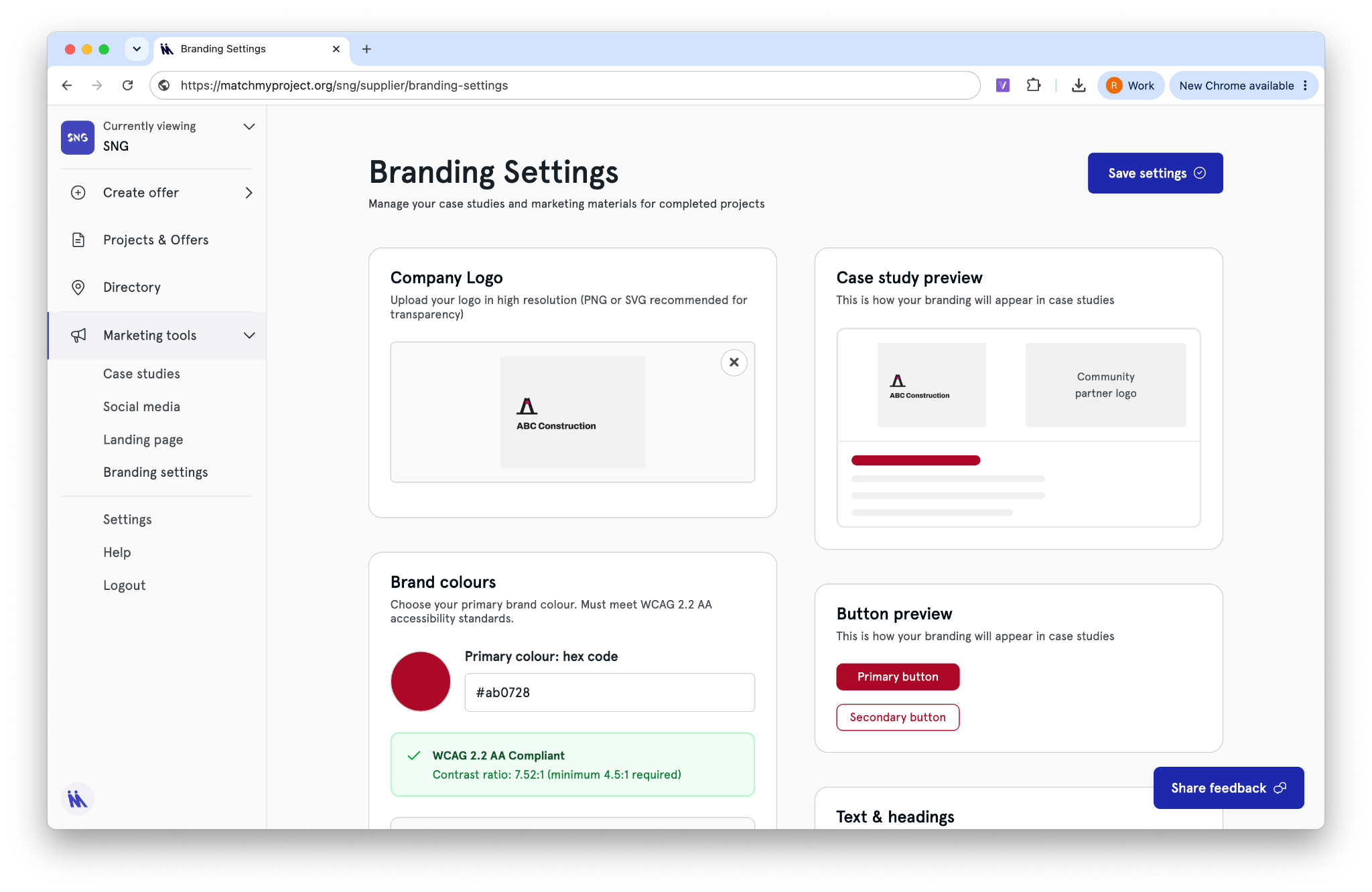
✅ Upload your company logo (PNG or SVG recommended).
✅ Set your primary brand colour by hex code — checked automatically against WCAG 2.2 AA contrast requirements, so you’ll know straight away if it’s accessible. Use the colour picker to choose a colour from your logo.
✅ Preview exactly how your branding will appear on a case study and in buttons before you save.
✅ Changes apply across your case studies and landing page.
Click the ‘Share feedback‘ button to share any feedback or suggestions with us.