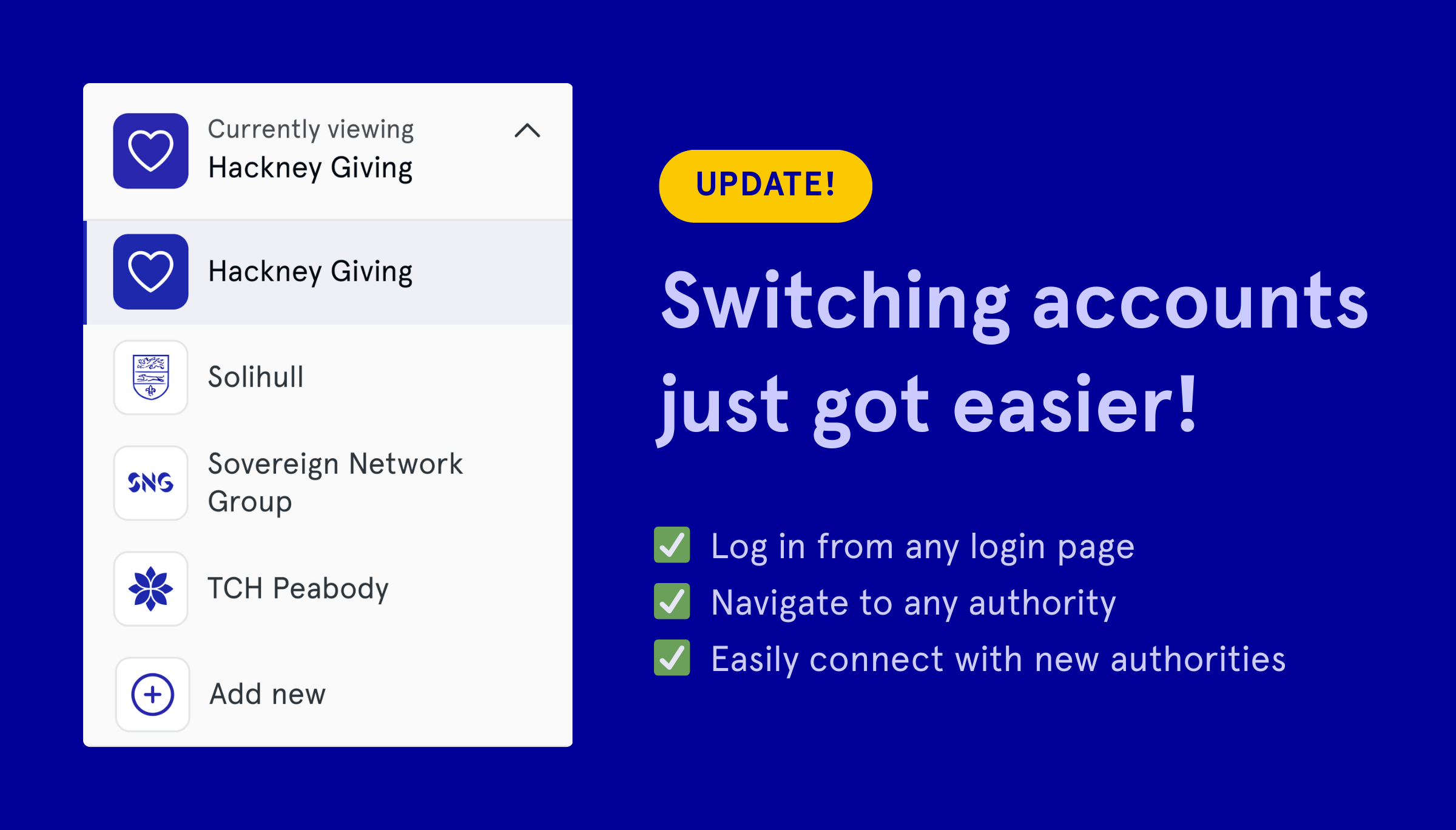
Managing projects across multiple authorities shouldn’t mean remembering which authorities to log into, having to log in via a specific page, or manually reposting projects.
Match My Project gives you one account that works across every authority you’re registered with.
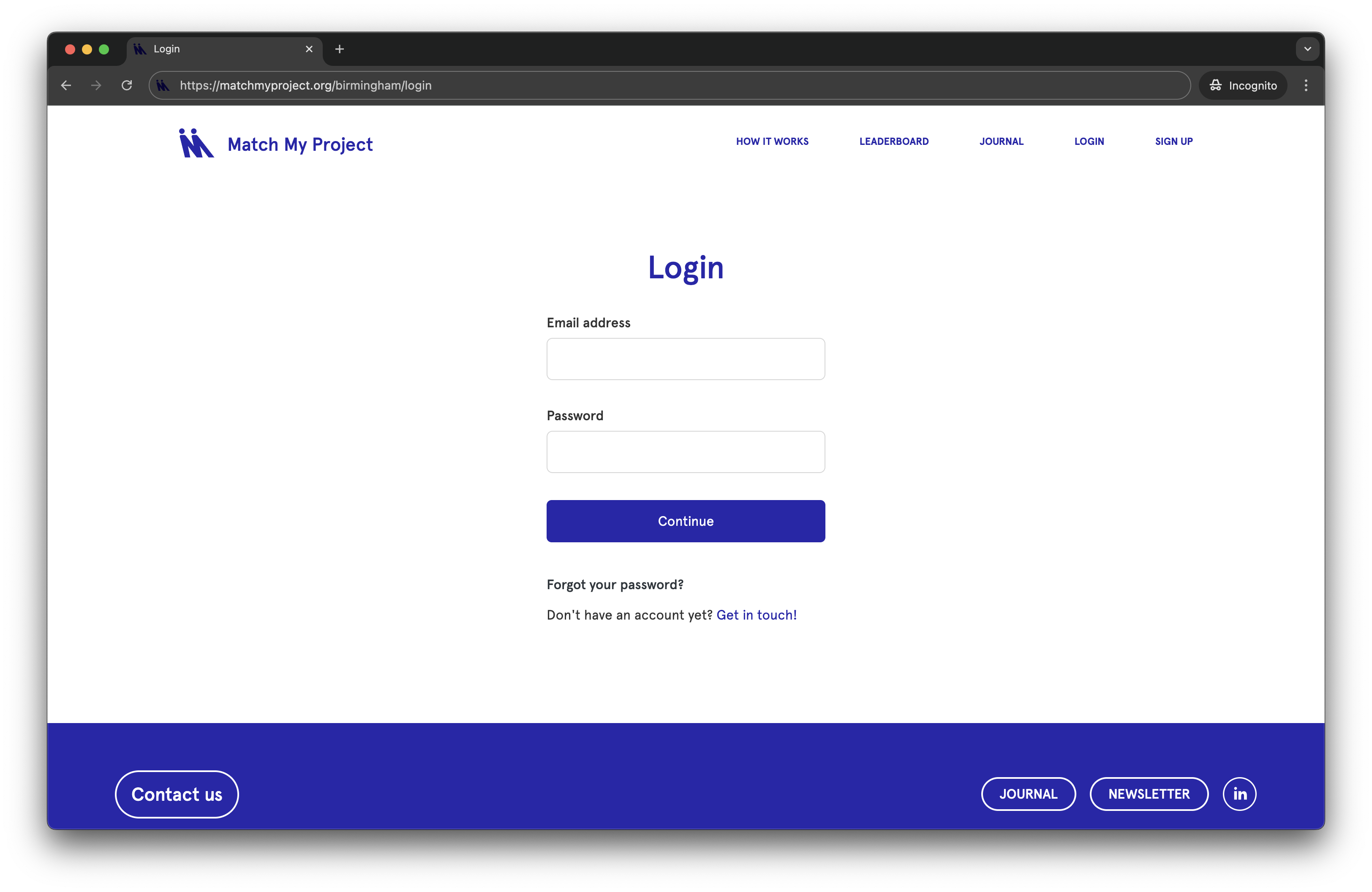
Logging in
✅ Access any authority from the login page
✅ Your credentials work on any login page, regardless of authority
✅ Any bookmarked pages still work — the old URLs will still get you to the right place
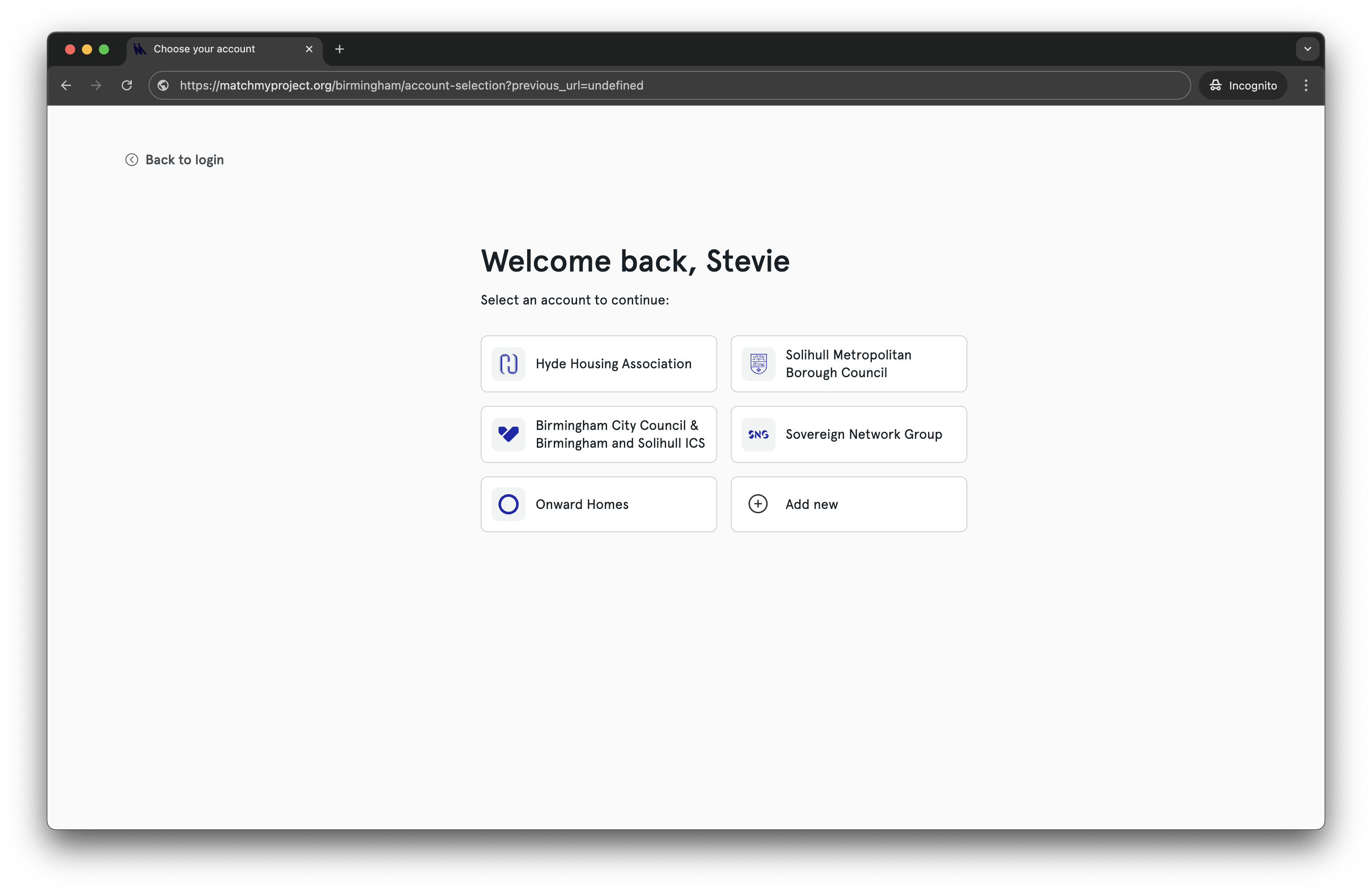
If you’re registered with more than one authority, you’ll see a welcome page after logging in where you can choose which account to access.
Switching between authorities
A switcher at the top of your sidebar lets you move between authorities with a single click. No need to open new browser windows or tabs to check each one separately.
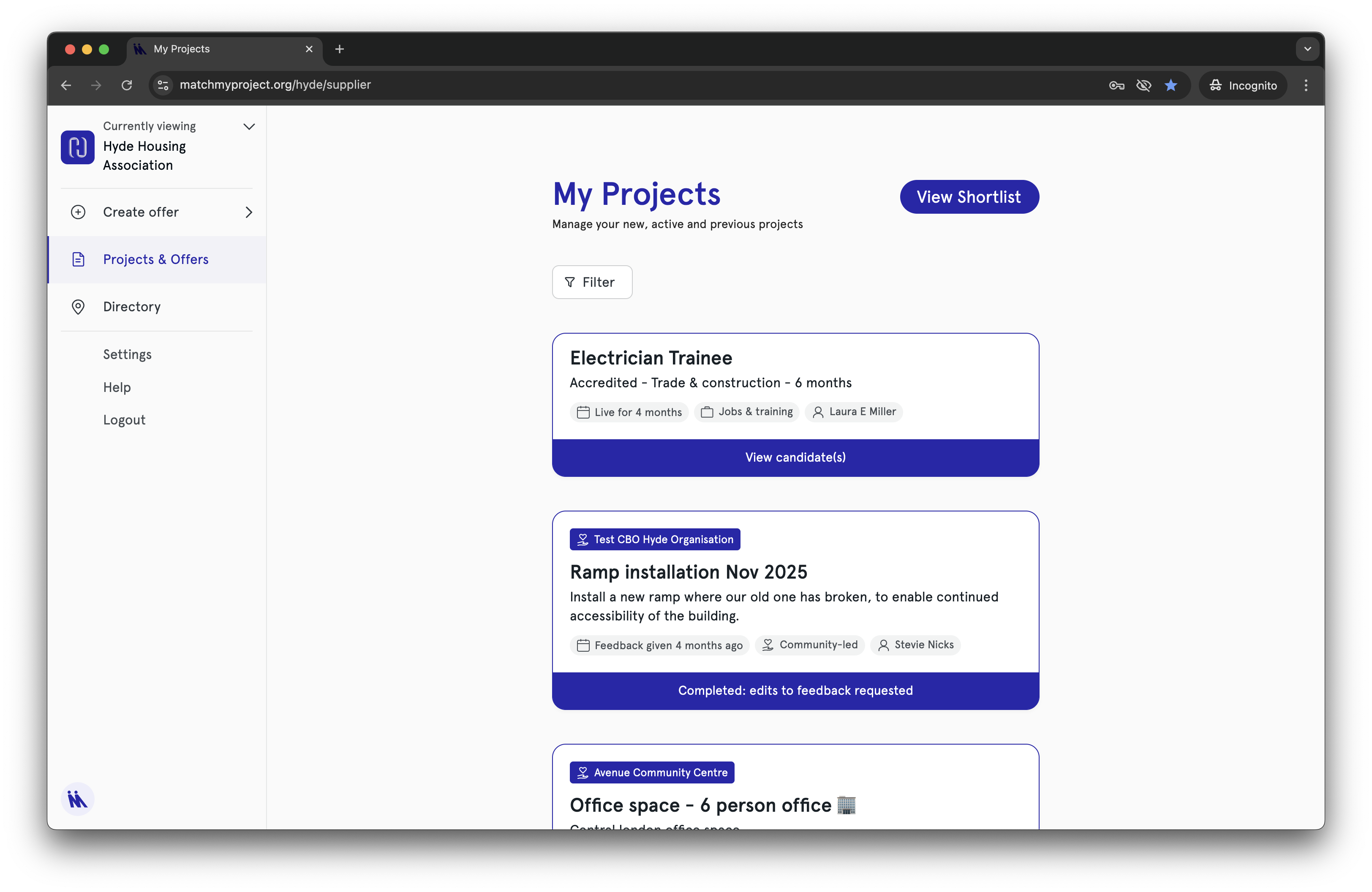
Click the dropdown next to the authority name to see all the authorities you have access to, or to apply to more.
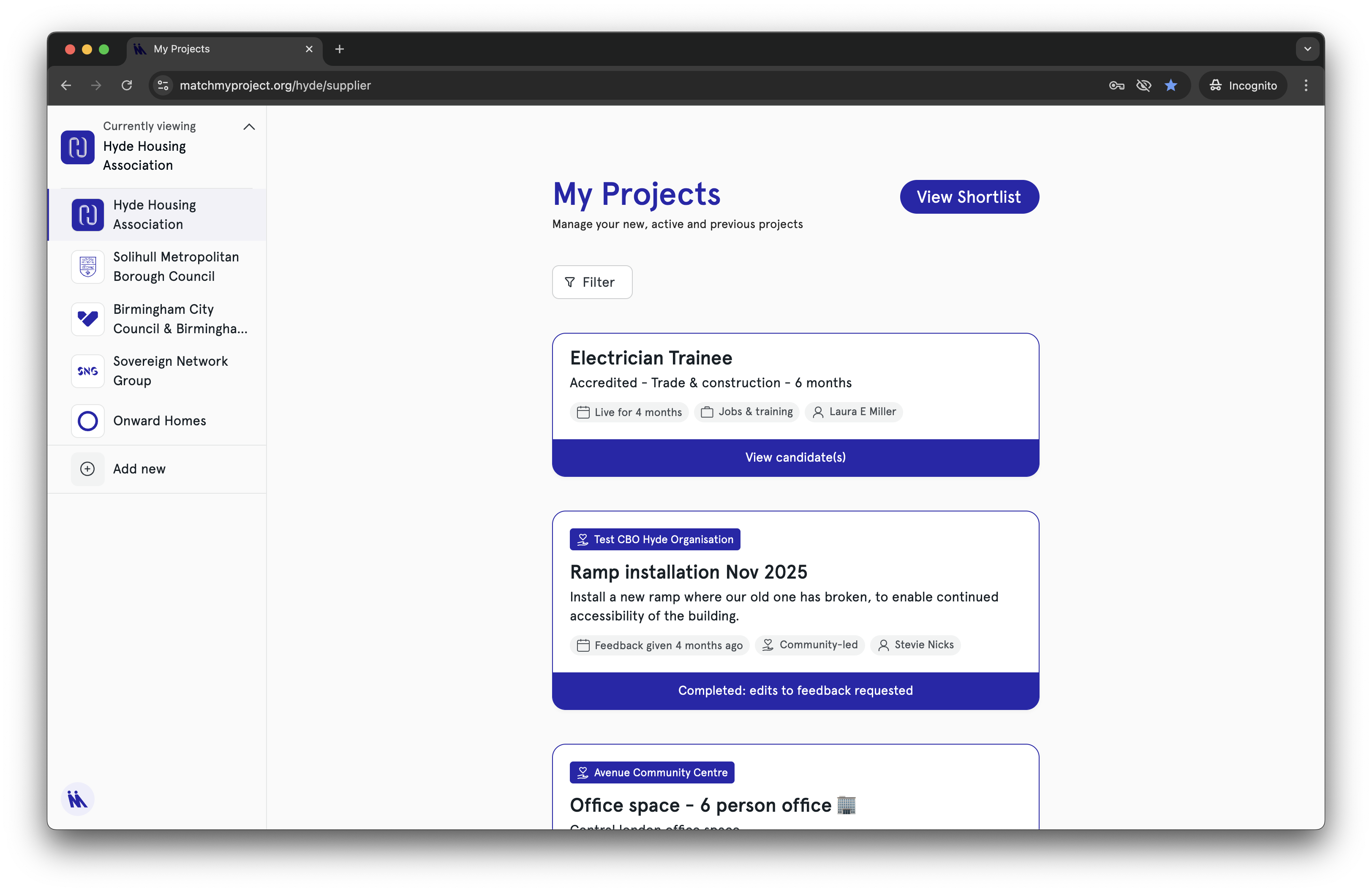
✅ Save time and keep track of your projects more easily
✅ No logging out and back in to switch between authorities
Posting to multiple authorities at once
When you post a project or offer, you can select additional authorities to post to – no need to duplicate projects manually.
1. Fill in your project or offer details and click ‘Complete’
2. Choose whether you want to post to other authorities
3. Select which authorities you want
4. New tabs open for each authority so you can review locations (for in-kind support offers) or outcomes (for community-led projects) and finalise.
5. Choose to submit immediately, or save each project as a draft
Why this matters
For community organisations
Where authorities overlap, or if you serve communities across authority boundaries, this reduces your admin burden. Post your project once, select the relevant authorities, and you’re done. Save time posting, increase your chances of matching.
For suppliers
National and regional suppliers with contracts across multiple authorities can manage everything from one account. See all your projects, matches, and tasks across all authorities without switching logins.
For authorities
Fewer login queries to handle.
Getting started
If you’re registered with one authority
You can register with more authorities at any time. Look for the authority switcher at the top of your sidebar and select ‘Add authority’ when you’re ready.
If you’re already registered with multiple authorities
When you log in, you’ll be asked to choose which authority to start with. From there, switch between authorities at any time using the sidebar switcher.
Good to know
✅ Each authority still approves users and projects independently
✅ Projects can still only match with one authority (no double-counting)
✅ Your login credentials work the same way, wherever you log in
We’d love your feedback
Match My Project handles the admin – the matching, the coordination, the logistics – so you can focus on the relationships and delivery that strengthen communities.
If you have questions, spot something that could be better, or want to share your experience with the new features, please get in touch. You can use the feedback button in the platform or email us directly at hello@matchmyproject.org